
Open the app. Know what’s next.
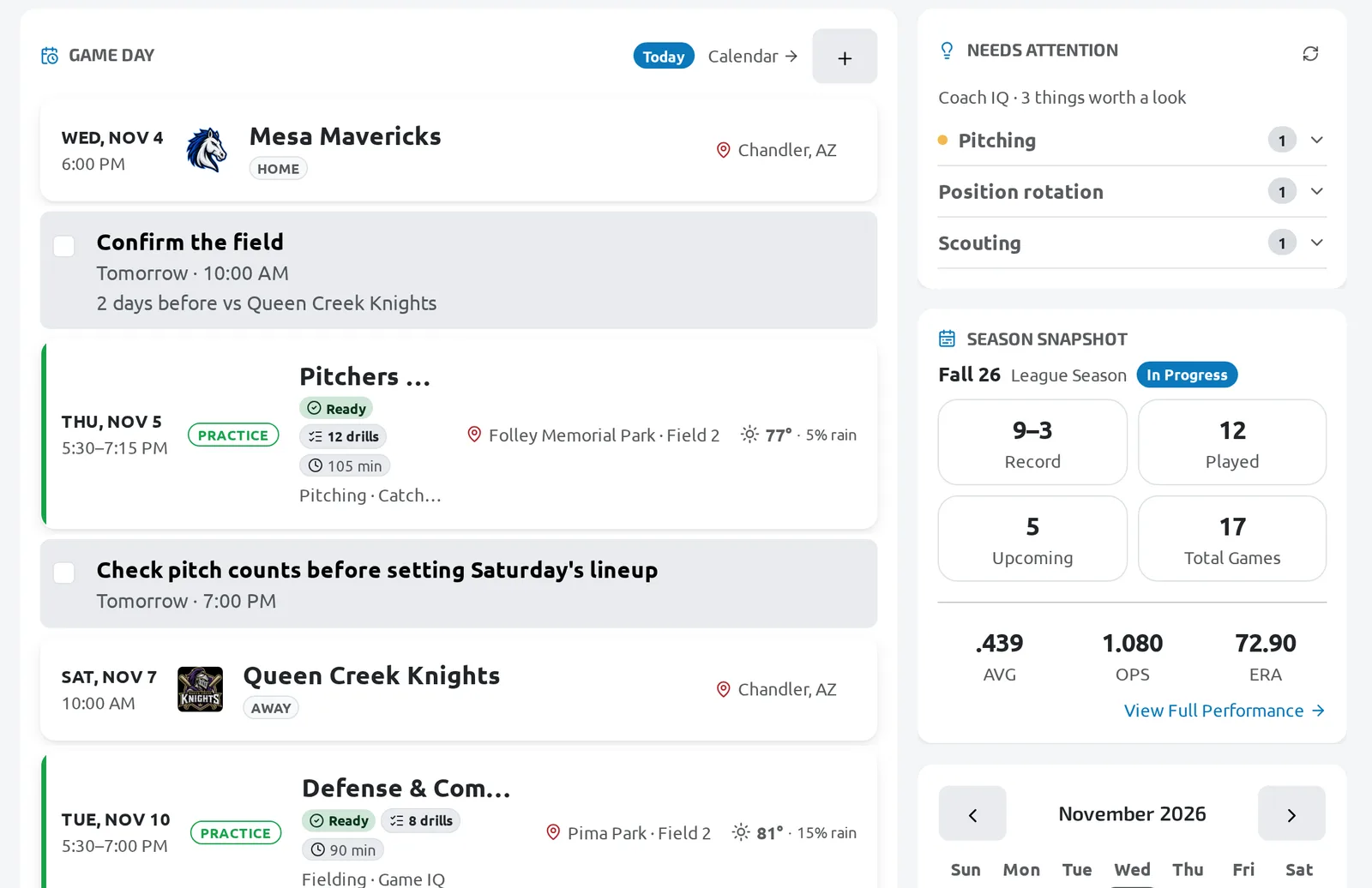
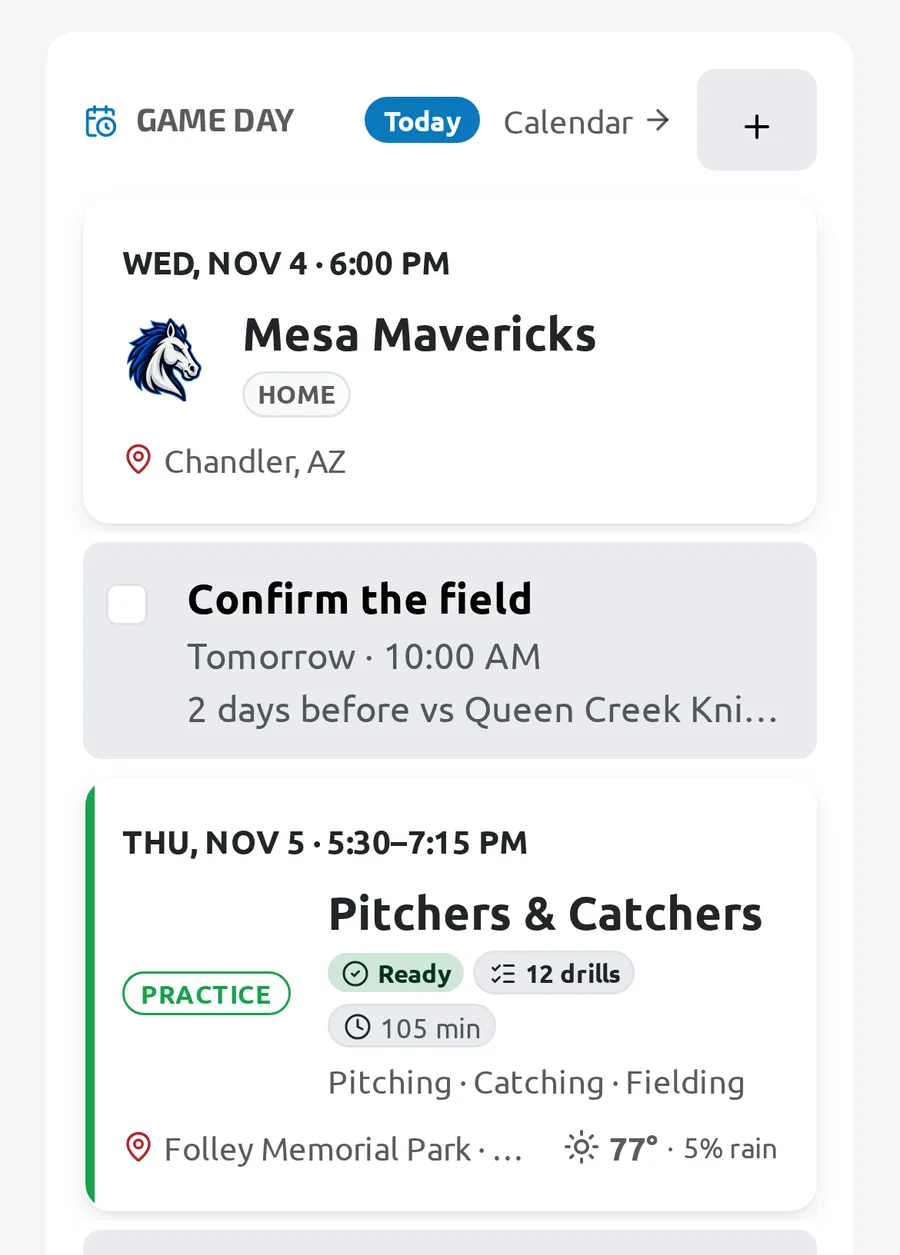
Your next game or practice, the rest of the week, and what needs doing before it, on one screen.
- Your next game or practice, and everything after it
- Needs Attention: what to do before it starts
- Season snapshot and recent results
- One switcher for every team and season
Read it top to bottom
Team Home is ordered the way a coach thinks: what’s next, what’s missing, how the season is going.
Next Up
The next game, practice, evaluation or event, then the rest of the schedule. On the day it reads Game Day or Practice Today.
Needs Attention
What is missing before it starts, grouped and in priority order, so you fix it at home and not at the field.
The season
Record, recent results and your roster at a glance, with the calendar beside it.
The night before used to mean checking five places. Now it is one screen.
What’s on Team Home
Everything you check before you leave for the field.
Next Up
The next game, practice, evaluation or event, with where and when, and the rest of the schedule below.
Needs Attention
What needs doing before the next activity, grouped so the urgent things come first.
Season snapshot
Your record and how the season is going, without opening a report.
Recent
The last games and practices, one tap from the details.
Roster
Your players at a glance, straight from Team Home.
Team and season switcher
Coach more than one team? Switch team or season from the sidebar in one tap.
Next Up, the season snapshot, recent results, the roster and the calendar are on every plan. Needs Attention and recent files are on Pro and Elite. Compare plans
Questions coaches ask
Less managing. More coaching.
Stop wondering what you forgot.
Open the app before practice and see it.
Get Started14-day Pro Trial · No credit card required · or try the demo first